#TWIGE - 03 - Garmin G82: three jobs, three different standards
A 28 July test found a capable golf GPS, useful speed data and less convincing estimated carry from Garmin’s all-in-one G82.
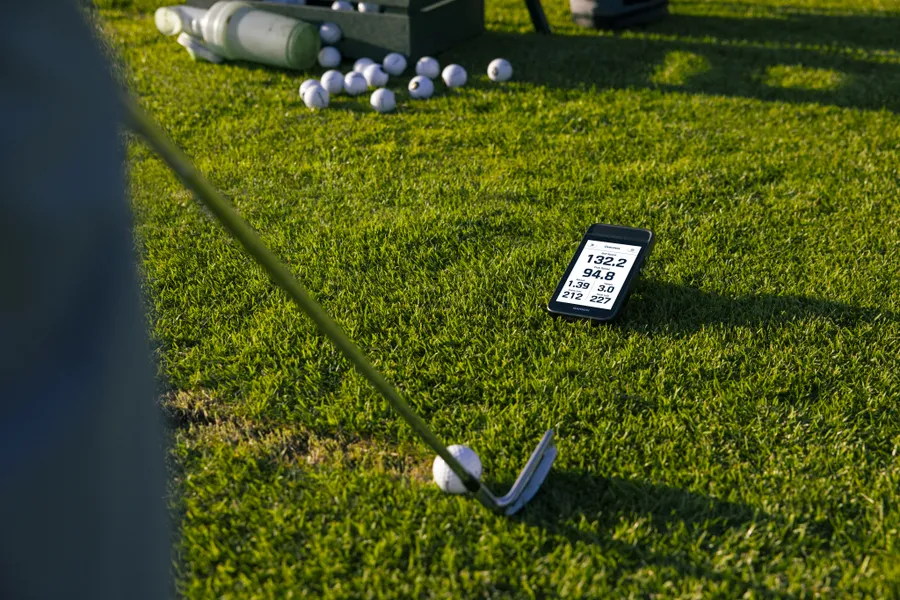
Photo: Garmin.
The Garmin Approach G82 was not new in the final week of July; Garmin had announced it in January. What changed on 28 July was a detailed independent test of its different roles.
The result was more useful than a simple verdict. GPS, range radar and putting practice each had to meet a different standard. For a golfer considering one device to cover the course, range and putting green, that distinction matters.
What Garmin promised
Garmin introduced the G82 as a five-inch touchscreen handheld containing maps for more than 43,000 courses. Its original 22 January announcement listed GPS yardages, bag mapping, Virtual Caddie recommendations, PlaysLike distances, radar practice, putting metrics and a magnetic mount. Some course features required connection to the Garmin Golf app; aerial imagery and green contours required a paid membership. Garmin stated up to 25 hours of battery life in GPS mode and eight hours in radar mode.
The range feature reported club speed, ball speed, smash factor and tempo. Garmin also presented carry and total distance, but the important technical limit was easy to miss in the feature list: the radar read speed, not spin or launch angle. Distance therefore had to be estimated from the speed data and the device’s model.
That makes the G82 different from a launch monitor that measures or estimates a wider set of ball-flight variables. It does not make the numbers useless. It means speed and distance should be judged separately.
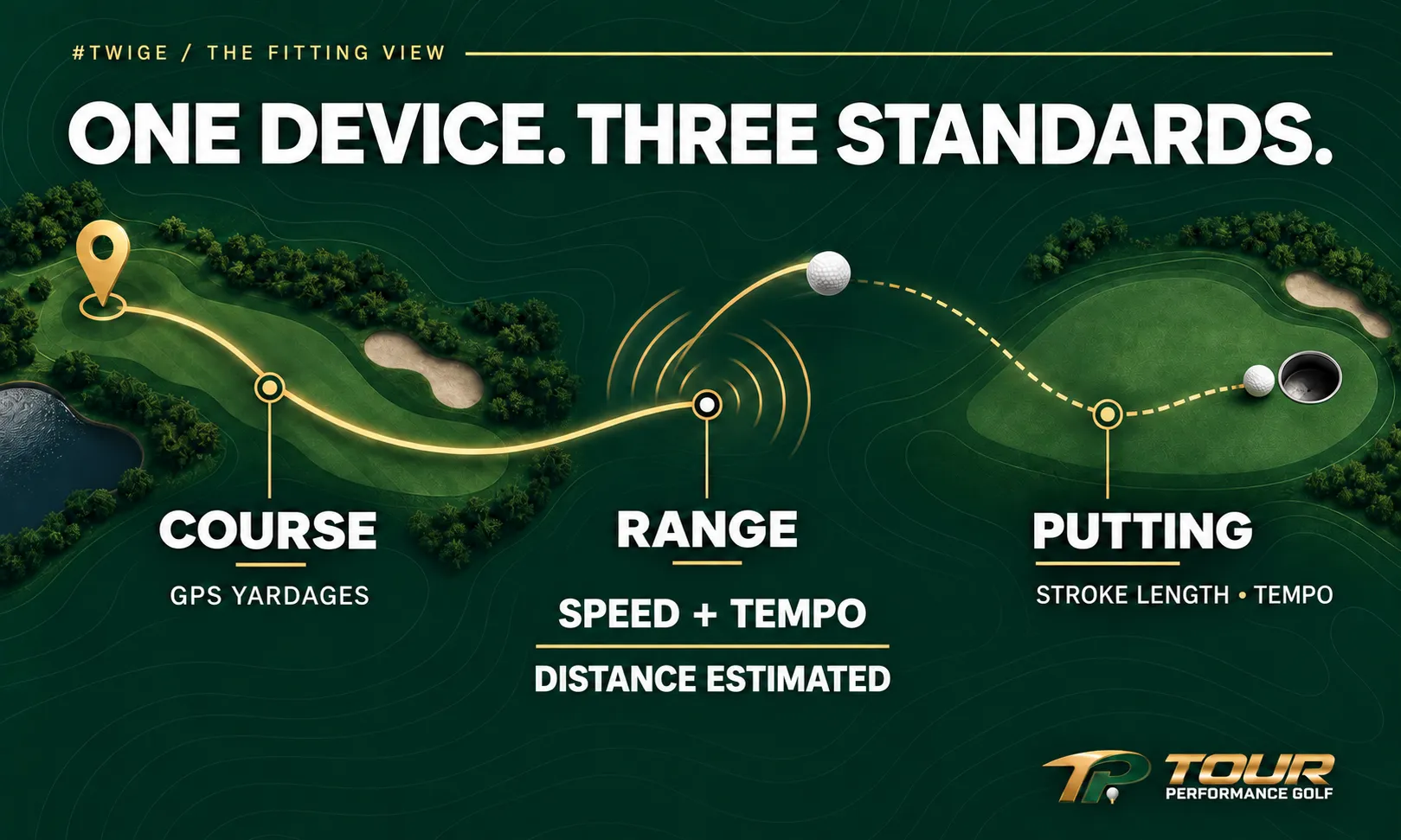
One device, with a different set of useful measurements for each job.
What the 28 July test found
Plugged In Golf’s Matt Meeker tested the G82 against a FlightScope Mevo Gen2 with a 7-iron and driver. Speed readings were close, but the gap between their estimated distances was larger with driver than with 7-iron. Garmin’s own display marked yardage as an estimate. Read the full 28 July review and method.
The comparison covered one golfer, two clubs and one reference launch monitor. It did not provide shot-by-shot tables. Meeker had no independent method to validate the tempo timings, so that part remained a usability impression rather than a verified measurement result.
The GPS side received a broader practical check against two other handhelds and a laser. The devices do not all measure precisely the same target, so this was a spot-check rather than laboratory proof. Meeker nevertheless found the on-course information accurate and easy to use.
An earlier review, published on 14 July, had reached a similar split conclusion using TrackMan and GCQuad as references. Golf Guy Reviews found speed readings close, while carry became less consistent with a 7-iron, hybrid and driver. It also found the screen dull outdoors and disclosed affiliate links to retailers. Read that comparison and its limitations.
A small but relevant owner discussion
Screen brightness became the subject of a small r/GarminGolf thread on 28 July. One reply described the display as poor but usable; others said brightness was fine after adjustment. That is not enough to declare a general fault, but it is enough to make outdoor visibility a sensible hands-on check before buying. See the dated owner discussion.
An older r/golf discussion contained similar concerns about brightness and low-lofted-club distance, alongside owners who valued the larger screen and GPS updates. The accounts were unverified and the sample self-selecting. Their value is in identifying questions for a trial, not supplying failure rates. Read the earlier public thread.
Buy the job you need
For course use, compare the G82’s GPS information with the way you actually play. A large display and long battery life may be valuable on a trolley or buggy and less attractive if the device needs to live in a pocket. Check visibility in sun and shade. Confirm which mapping and environmental features work on the device alone, which need a connected phone and which need a subscription.
For range use, separate measured speed from estimated distance. Club and ball speed can help track speed training or gross strike changes. They cannot reveal why two shots with the same speed curve differently or fly different distances without launch, spin and directional information. If the purpose is to map carry through the bag, compare the G82 with known on-course carries or a fuller launch monitor before allowing one session to drive club choices.
For putting, decide whether tempo and stroke-length feedback address a real practice need. Repeat the setup carefully and confirm that the device captures ordinary strokes reliably. A metric is useful when it changes a practice decision, not simply because it appears on a screen.
The late-July evidence did not show that the G82 failed at being an all-in-one device. It showed why “all-in-one” is not one standard. As a GPS with helpful practice extras, it made a coherent case. As a substitute for a fuller launch monitor, the tests exposed limits. The right buying decision begins by choosing which of those jobs matters most.
TWIGE — This Week in Golf Equipment. #TWIGE